
Onboarding
Give new starters a way to progress in the game as they learn about your company and its processes.
Employees come to their academy to develop a virtual office. They complete training to advance in the game, level up and see their office grow.
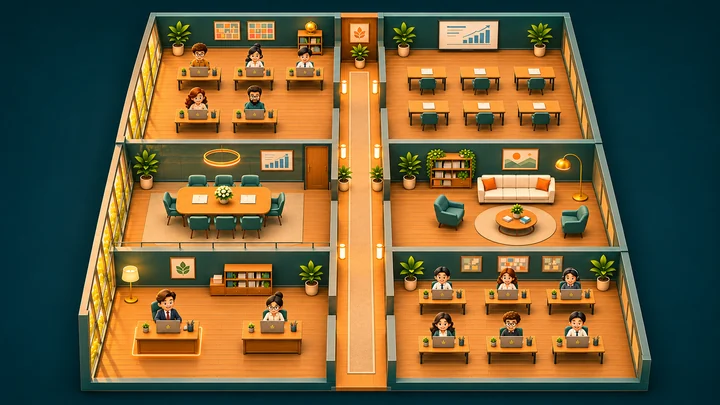
Training can be left unfinished when day-to-day work gets in the way. We built COFIS to give employees a reason to return to their academy and finish what they started.
When employees open the game, they see their office and their next goal. Completing training changes their progress in the game, and the desire to expand the office gives them a reason to take the next learning step. The aim is to encourage employees to return on their own and complete outstanding training.
Return to the academy to develop your office, then pick up any training you have yet to finish.

The training you complete moves you forward in the game. Reaching the next level makes that progress visible.
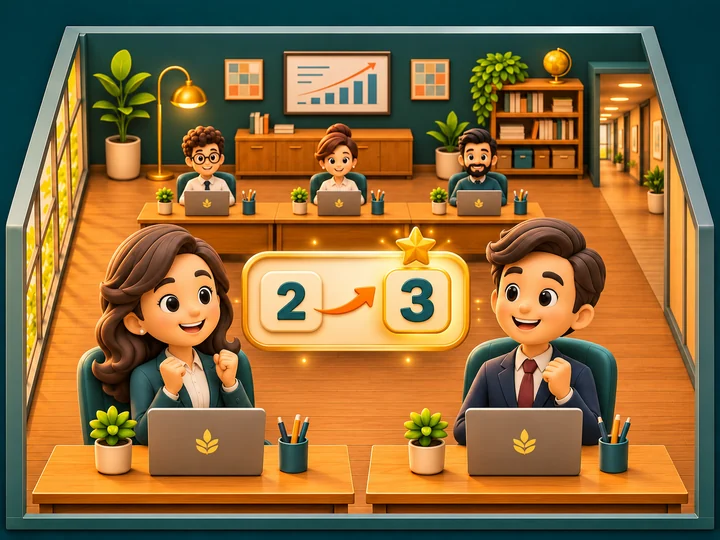
As your office grows, opening the next room becomes a new goal and a reason to return to the academy and finish another course.
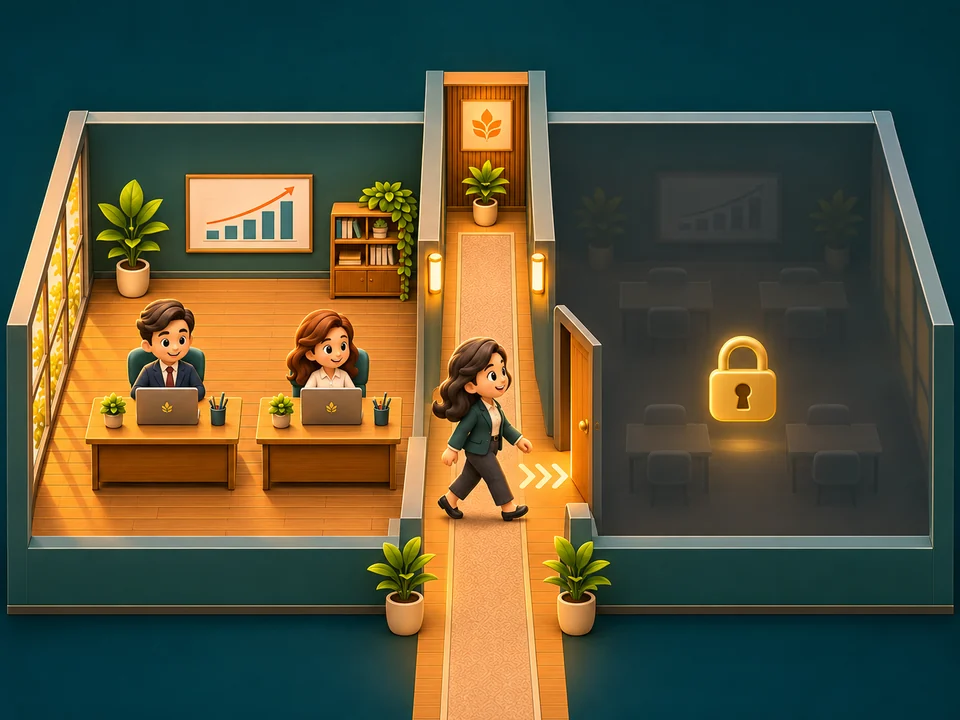
Give new starters a way to progress in the game as they learn about your company and its processes.
In programmes that span several courses, use progress in the game as a reason for employees to return to unfinished courses and complete the programme.
In a demo, see how the next office goal leads employees back to training and how completing a course changes their progress in the game.
Request a Demo




