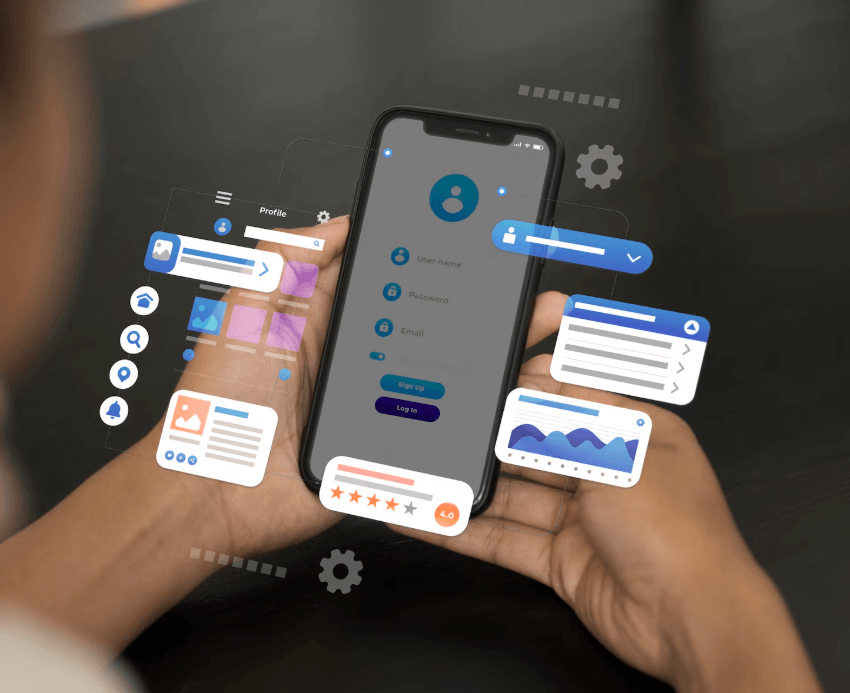
Access to training for frontline staff depends on shifts, devices and connectivity. A course that works at a desk may be impractical in the field.
Research and industry context
In PwC’s 2026 global survey, 51% of respondents reported access to the learning resources they needed. That figure is not specific to frontline workers. Start by observing the access conditions in your own team.
A workplace example
To teach a service team a new device inspection, prepare a short checklist, one example and a knowledge check. Set aside time during the shift and ask staff to test navigation on a small screen.
Map access before writing content
A technician can open a course on the bus but has no signal at the job site. Another worker shares a device with colleagues on the shift. Giving both an assignment does not tell you whether they can use it. Record device, connectivity, the point of need and time available before the pilot.
Access to learning resources
Share of respondents in PwC’s Global Workforce Hopes and Fears Survey who reported access to the learning and development resources they needed. The difference is 8 percentage points. These global survey results are not specific to frontline workers.
Put one task on the screen
| Moment | Content | Check in the field |
|---|---|---|
| Before the job | Four-point checklist | Can it be read on a small screen? |
| Between tasks | One image and one question | Can staff open it on their device? |
| After practice | Short recap of critical steps | Does the team leader observe the behaviour? |
- Check device and connection
- Focus on one task
- Test on a small screen
- Observe the work
Measure two pilot outcomes separately
Use the ability to open training as the access measure and the ability to select critical steps in order as the learning measure. If people cannot open the content, look at connectivity and navigation. If they can open it but struggle on the job, revisit the examples and instructions. When content supports offline use, test opening after download without a connection and check recording behaviour after reconnecting.
What should the mobile test capture?
Try a desktop-authored module on the screen size used by a frontline employee. Check whether video captions are legible, questions fit and learners can find their place after leaving the app. Present essential instructions as readable text instead of embedding them in small lettering within an image.
Ask pilot employees where and when they opened the material. A yes-or-no usage question will miss the context. If one team uses it before a shift and another at the job site, the same material may need two ways of being accessed.
How to apply it with COBIDU
Assign the content to the relevant group in COBIDU Platform. Test access in COBIDU App and confirm advance downloads for supported content. During the pilot, record access and correct execution of critical steps on the job as separate measures.